Your EA Isn't Placing Trades. Here's the Checklist.
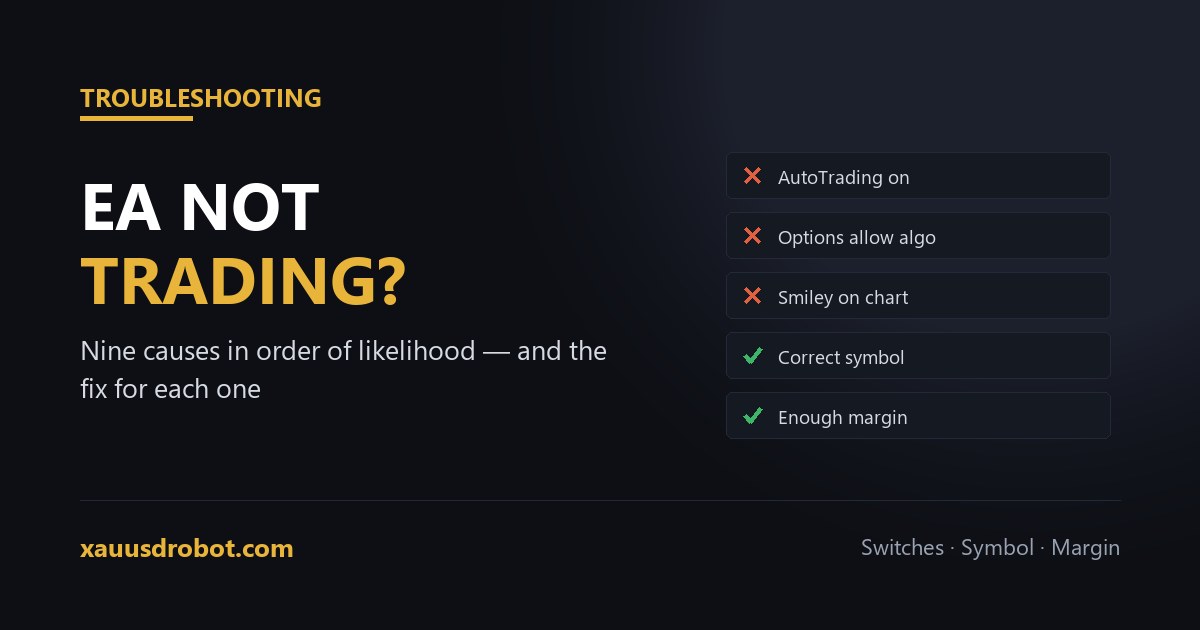
TL;DR Work down this list in order. 1) AutoTrading button not green. 2) Allow algorithmic trading unticked in Tools → Options → Expert Advisors. 3) Sad face instead of smiley on the chart. 4) Market closed, or outside the EA's session filter. 5) Wrong symbol — XAUUSD vs XAUUSD.m. 6) Insufficient margin for the configured lot size. 7) Conditions genuinely not met yet. 8) News or spread filter blocking entry. 9) Licence or account-number restriction. The Experts and Journal tabs in the Terminal name the cause in almost every case — read them before changing settings.
Read the log before you change anything
MetaTrader keeps a running account of everything an EA attempted. Open the Terminal panel with Ctrl+T and check two tabs:
- Experts — what the EA itself reported: initialisation, its own messages, and any errors it raised.
- Journal — what the platform did: connections, order requests sent to the broker, and rejections with reason codes.
Almost every case is named explicitly in one of these two tabs. Changing settings before reading them usually adds a second problem to the first, and makes the original harder to isolate.
The nine causes, in order of likelihood
| # | Cause | How you confirm it | Fix |
|---|---|---|---|
| 1 | AutoTrading is off | Toolbar button is grey or red, not green | Click it. On MT5 the button reads Algo Trading. |
| 2 | Algo trading disabled in options | Tools → Options → Expert Advisors, top box unticked | Tick “Allow algorithmic trading” and press OK. |
| 3 | EA attached without live trading | Sad face at top-right of the chart | Re-attach and tick Allow live trading on the Common tab. |
| 4 | Market closed or outside session filter | Journal shows “market closed”; or check the EA's session inputs | Wait for the session. Gold closes daily and over the weekend. |
| 5 | Wrong symbol | Chart symbol differs from the one the EA expects | Attach to the exact instrument, e.g. XAUUSD.m rather than XAUUSD. |
| 6 | Not enough margin | Journal shows “not enough money” or error 134 | Reduce lot size or fund the account. Check the lot the EA is calculating. |
| 7 | Conditions not met | Experts tab is clean, no errors at all | Nothing to fix. This is the EA working. |
| 8 | News or spread filter active | Experts tab logs a filter message, or spread is unusually wide | Nothing to fix, usually. Check the filter's threshold is sane. |
| 9 | Licence or account restriction | Experts tab reports an account or licence error on init | Confirm the EA is authorised for that account number. |
The three that catch almost everyone
The two switches, not one
MetaTrader has two independent controls, and both must be on. The toolbar button governs the current session; the checkbox in Tools → Options → Expert Advisors governs the platform. Turning on the toolbar button while the global option is unticked produces a green button and no trades, which is a genuinely confusing state.
The symbol suffix
Brokers add suffixes to instrument names: XAUUSD.m, XAUUSD.raw, GOLD, XAUUSDx. To MetaTrader these are distinct symbols. An EA written to check “XAUUSD” may find no match on a chart labelled XAUUSD.m and silently do nothing. Attach it to the exact instrument your broker actually offers, taken from Market Watch rather than assumed.
Margin, at the size the EA chose
Error 134 is “not enough money”, and it usually appears when an EA calculates position size as a percentage of balance on an account too small for the result. The account may look funded and still be unable to open the trade the EA wants. Reduce the risk percentage, or fund to a level where minimum size is comfortably affordable — the arithmetic is in how much money to start a gold EA.
When not trading is the correct behaviour
A clean Experts tab with no errors and no trades usually means the EA is doing its job. Rule-based systems spend most of their time waiting; a trend-following gold EA may go days without a valid setup, and a system with a news filter deliberately stands aside around scheduled releases.
This is the point at which many traders cause the actual damage — loosening filters or raising risk to “make it trade”. That converts a working system into a different, untested one. If you expect more frequency than you are seeing, backtest the current settings over the last month and compare trade counts. If the test shows the same low frequency, the EA is behaving as designed and the expectation was wrong.
Preventing the repeat
- Test on demo first, on the same broker and symbol you will trade live. Most of these nine surface within a day.
- Run on a VPS so the terminal is not closed by a reboot or a sleeping laptop.
- Check the Experts tab weekly rather than only when something looks wrong.
- Record the working configuration — broker, symbol name, inputs — so a reinstall is a lookup rather than an investigation.
Questions we get
Why is my EA attached but not opening trades?
Usually one of the two algo-trading switches is off, or the symbol or margin is wrong. The Experts and Journal tabs name the cause.
What does the sad face on the chart mean?
The EA is attached but not allowed to trade. Re-attach with Allow live trading ticked and turn AutoTrading on.
What is error 134 in MetaTrader?
Not enough free margin for the requested position size. Lower the risk setting or fund the account further.
My EA works on demo but not on my live account. Why?
Usually a different symbol name, insufficient margin, or a live-account restriction. Compare symbols and read the Journal rejections.
How long should I wait before assuming my EA is broken?
Backtest the same settings over the last month. If frequency matches, it is working — many systems wait days between setups.
Should I change settings to make my EA trade more?
No. That creates an untested system. Test any new configuration properly before it touches a funded account.
The verdict
An EA that is not trading is almost always a configuration issue rather than a broken program, and the Experts and Journal tabs will usually name it in one line. Work down the nine causes in order, fix what the log actually reports, and resist the urge to loosen the strategy to force activity — a system that waits is often a system doing precisely what it was built to do.
EA still refusing to trade?
Send us a screenshot of the Experts tab. The cause is usually visible in one line, and we will point at it.
💬 Talk to Us on TelegramMore from the lab
- → Can You Run an EA on a Phone?
- → Preset Files: How .set Actually Works
- → Running Multiple EAs on One Account
- → How to Set Up a XAUUSD Robot on MT4 & MT5
- → How to Use MetaTrader 4: Everything That Matters
- → How to Use MetaTrader 5: First-Week Walkthrough
- → Best VPS for Gold EA Trading
- → Points vs Pips: Why a Gold EA's Stop Is 10x Off
- → Free Margin: Why Your Gold EA Stopped Trading
Risk & affiliate disclosure: Educational content only, not financial advice. Trading gold (XAUUSD), forex and CFDs carries substantial risk of loss; a large majority of retail CFD accounts lose money. No results are guaranteed. We may earn a commission if you open an account through partner links, at no extra cost to you — this funds the free EA. See our Affiliate Disclosure.